Overview of GeoGebra

Introduction
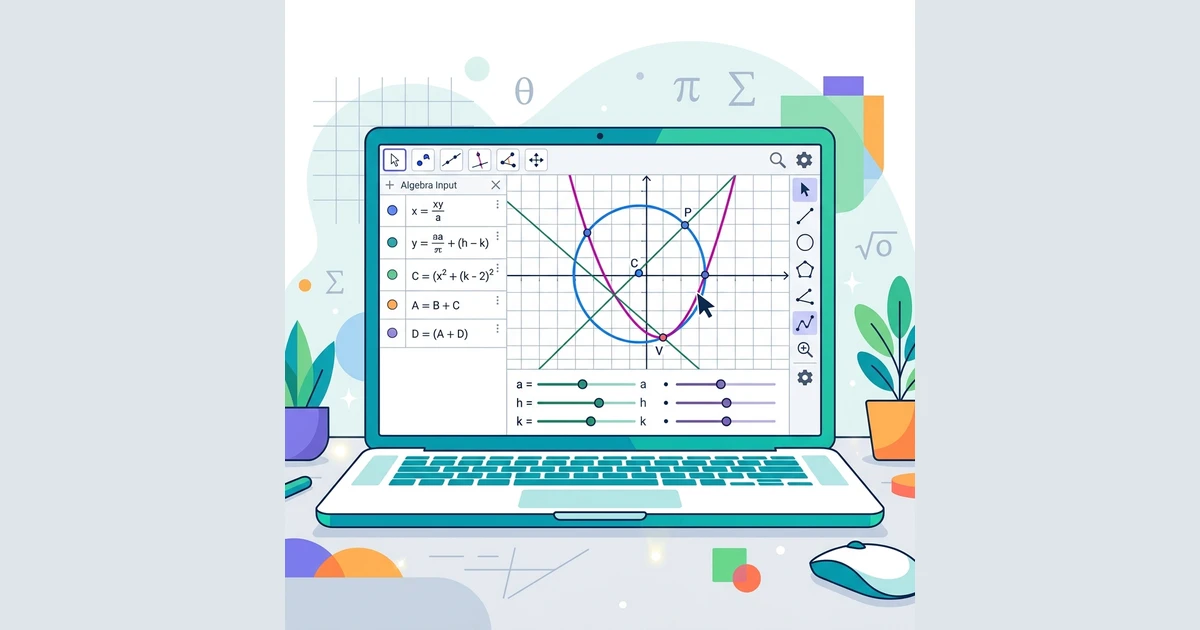
GeoGebra is a widely used mathematics application for learning geometry, algebra, graphing, statistics, and symbolic computation. It is popular among students, teachers, and lecturers because it makes mathematical ideas easier to visualize and explore interactively.
A Brief History of GeoGebra
GeoGebra was developed by Markus Hohenwarter starting in 2001. He is an Austrian mathematician and professor at Johannes Kepler University Linz. During his university studies in computer science and applied mathematics, he developed GeoGebra as a mathematics education tool, and it later received many software awards in Europe and the United States.
After completing his dissertation at the University of Salzburg in 2006, Hohenwarter also worked on teacher training projects in Austria, England, and the United States. His research has focused on the use of technology in mathematics education.
According to Hohenwarter, GeoGebra is a computer program for teaching mathematics, especially geometry and algebra. It is freely available and can be downloaded from www.geogebra.org.
Benefits of GeoGebra in Mathematics Learning
Some of the main benefits are:
- It can produce geometric constructions quickly and accurately, including complex ones.
- Its animation and manipulation features provide strong visual support for understanding geometry.
- It can be used as a feedback tool to verify whether a construction is correct.
- It helps users investigate and demonstrate properties of geometric objects.
GeoGebra has continued to develop over time. Newer versions improve older ones, and three-dimensional graphics became much more accessible beginning with later releases. In many current tutorials, GeoGebra 6 is the standard version being used.
GeoGebra Interface Anatomy
When you first open GeoGebra, the screen looks roughly like this.
[

On the right side, there is usually a Perspectives panel. This panel lets you choose different workspace layouts. In general, GeoGebra offers six main views.
1. Algebra
This view combines an algebra panel and a graphics panel.
- The left side shows algebraic forms of objects or equations.
- The right side shows their graphs or geometric representations.
2. Geometry
This view focuses on the geometric representation of objects without emphasizing the algebra panel.
[

3. Spreadsheet
The spreadsheet view is organized in rows and columns. It can be used for matrices, data tables, and other mathematical objects arranged like a worksheet.
You can enter not only numbers, but also points, functions, and commands. When possible, GeoGebra immediately shows their graphical representation in the graphics view as well.
[

4. CAS
CAS stands for Computer Algebra System. This view is used for symbolic computation, such as simplifying expressions, solving equations, or working with derivatives and integrals symbolically.
[

5. 3D Graphics
This view is designed for three-dimensional objects. Its structure is similar to the algebra-plus-graphics layout, but the graphics panel is used for 3D visualization.
[

6. Probability
This view is used for probability and statistics. It helps users inspect statistical distributions and carry out related calculations.
[

Closing
GeoGebra is a very useful tool for learning and teaching mathematics because it combines visualization, computation, and interactivity in one application. Once you understand its background and its main interface views, it becomes much easier to follow more advanced GeoGebra tutorials.