How to Embed GeoGebra into a Blog

Introduction
GeoGebra is dynamic software that is very useful for teaching mathematics, especially geometry and algebra. It continues to evolve, and it is now available as GeoGebra 6. Geometric figures created in GeoGebra can be exported to , while GeoGebra applets can be embedded into Moodle, Google Classroom, blogs, or websites.
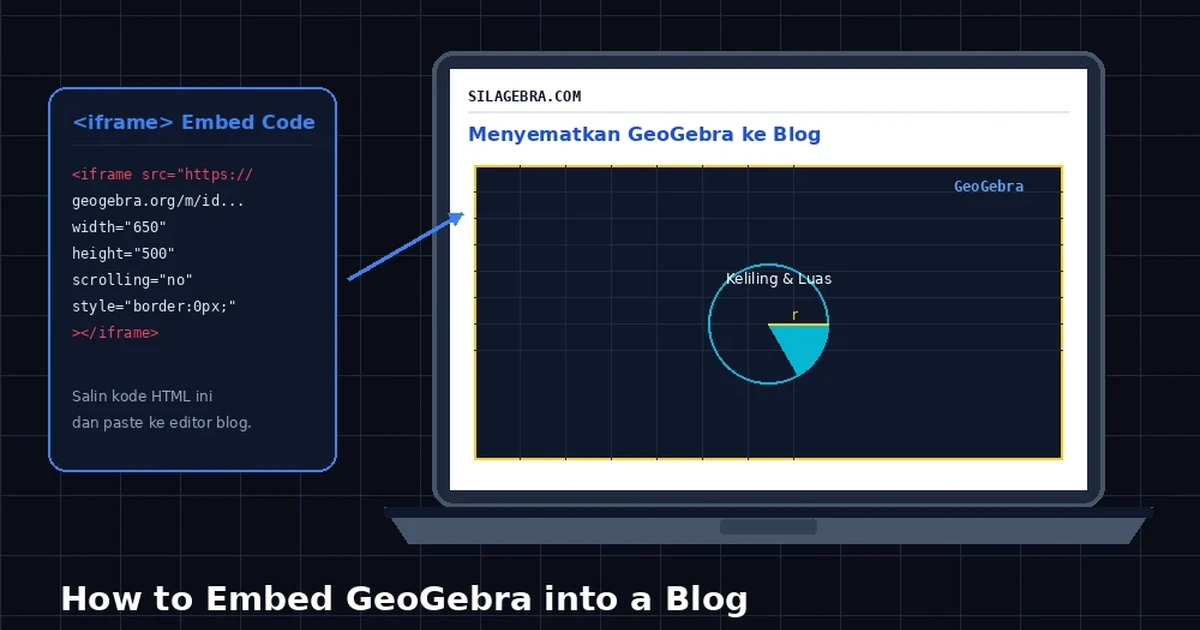
In this article, I will show how to embed GeoGebra into a blog. Before starting, make sure you already have an account at https://www.geogebra.org.
Also Read
Embed Guide
The steps for embedding GeoGebra into a blog are as follows.
- Open
https://www.geogebra.org. - Click
Sign inin the top-right corner. - After signing in, click
Profile.

Select the
Activityapplet that you want to embed into the blog. The applet can be created first or uploaded from a file you made earlier.Click the three-dot menu to the right of the selected
Activity, then clickDetails.

- Click
Share.

- Click
Embed.

- Copy the HTML code shown in the box.
- Log in to
blogger.comor your blog dashboard. - Select the post where you want to insert GeoGebra.
- Switch the editor to
HTMLmode. - Paste the code in the desired location. An example of the embedded result is shown below.
Closing
Those are the steps for embedding GeoGebra into a blog. If there are any errors, please leave corrections, and if you have suggestions, please write them in the comments. I hope this is helpful.